Private Stories
Private stories are encrypted so that only viewers with the correct key can read them. Use this feature to share work-in-progress stories with collaborators, restrict access to classroom materials, or keep sensitive content from public view.
New in v0.8.0.
How It Works
Telar builds every story — private or not — through the same templates. A private story renders exactly like an open one during the Jekyll build. Only after the build finishes does a separate step encrypt it:
- During the Jekyll build, a private story’s steps render through the normal story templates — the same markdown processing, glossary links, LaTeX, audio clips, and alt text as any open story.
- After the build, a post-build step encrypts the rendered story content (AES-256-GCM) and replaces it with a locked placeholder. The story’s title and subtitle stay visible in the project listing; only the step-by-step content is encrypted.
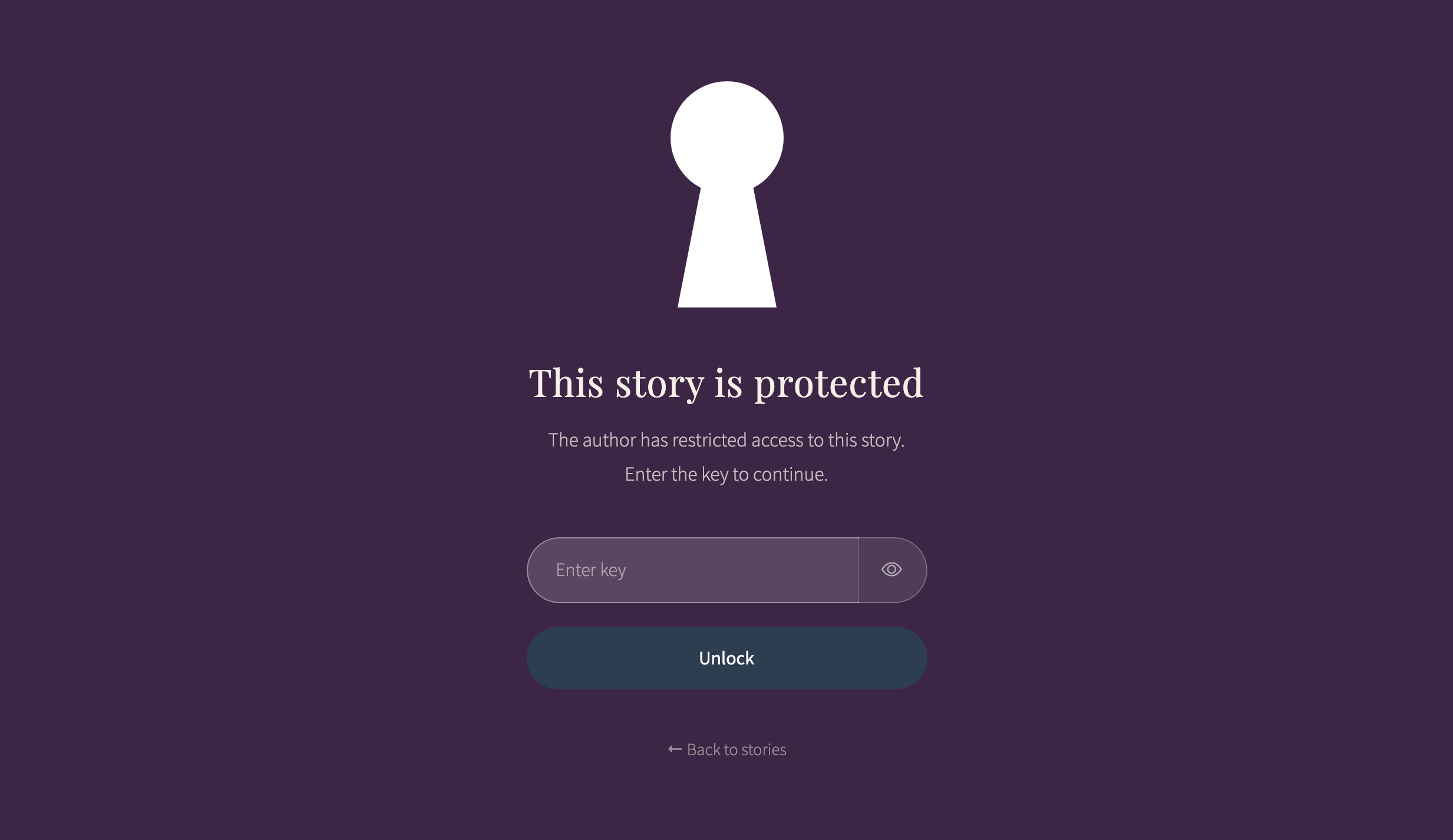
- On the published site, the story page loads with a locked overlay in place of its content.
- Viewers enter the key (or use a link that includes it), and the story decrypts in their browser.
- Once unlocked, the story behaves exactly like an open story, because it was rendered through the same templates as any other story during the build.
The story’s title and subtitle remain visible in the project listing. Only the step-by-step content is encrypted.
Setup
Two things are needed: a key in your config and a flag on each story you want to protect.
1. Set the Story Key
Add story_key to your _config.yml:
story_key: "your-secret-key"
This key is used to encrypt all private stories. Choose something memorable but not easily guessed.
2. Mark Stories as Private
In your project.csv, set the private column to yes for each story you want to encrypt:
order,story_id,title,subtitle,private
1,colonial-textiles,Colonial Textiles,Weaving traditions,
2,draft-analysis,Analysis Draft,Work in progress,yes
Stories without private: yes remain public.
protected(and the Spanishprotegida) also work as column names — Telar treats them the same asprivate/privada. New sites and the examples in this documentation useprivate/privada.
Testing Locally
Plain bundle exec jekyll serve, and scripts/build_local_site.py in its default (serve) mode,
never encrypt anything — Jekyll regenerates _site continuously while serving, and encryption is
a one-time step that runs after a build finishes. Private stories appear as plain, readable
content when you preview them this way. This is expected, not a bug: the same command a real
deploy uses to build has not run yet.
To see a private story the way a visitor would (locked, requiring the key):
python3 scripts/build_local_site.py --build-only
Then serve the resulting _site/ directory with a static file server (for example,
python3 -m http.server run from inside _site/). This runs the same encryption step the GitHub
Actions build runs, so it can also fail the way a real build would — see Build Failures below.
Sharing Protected Stories
There are two ways viewers can unlock a protected story:
Key Entry Form
When a viewer opens a protected story, they see an overlay with a key entry field. They type the key and press Enter. If the key is correct, the overlay fades away and the story appears.
If the key is wrong, the form displays an error message and lets them try again.
Link with Key Parameter
You can share a direct link that includes the key as a URL parameter:
https://your-site.com/stories/draft-analysis/?key=your-secret-key
Viewers who open this link skip the entry form — the story decrypts automatically.
The key is visible in the URL when shared this way. Anyone who sees the link (in browser history, chat logs, or email) will have access to the story.
Session Caching
Once a viewer unlocks a story, it stays unlocked for the rest of their browser session. Navigating away and returning to the story does not require re-entering the key. Closing the browser clears the cache.
Security Considerations
Story protection is a weak privacy guard, not a security measure. It deters casual access — visitors cannot simply open browser DevTools and read the story content. It does not protect content from a determined person.
What it provides:
- Story step data is encrypted in the page source — not readable at a glance in DevTools
- A key entry gate that stops casual viewers who do not have the key
- No server-side infrastructure needed
What it does not provide — important limitations:
- Confidentiality on a public site. Every CSV in
telar-content/spreadsheets/, including the story’s own step data andproject.csvitself (which carries theprivateflag), is copied verbatim into the published site and is publicly accessible at a predictable URL under/telar-content/spreadsheets/on any public GitHub Pages deployment. A determined person can read the full story content from those files without a key. - Resistance to offline attack. The salt, IV, and ciphertext are all embedded in the page HTML. Anyone who views source has everything needed to run an offline brute-force or dictionary attack against the key.
- Per-user access control. Everyone who has the key has the same access; there is no way to revoke access for one person without changing the key for everyone.
- Hidden story metadata. Titles and subtitles remain visible in the project listing regardless of protection status.
For real confidentiality, use a private GitHub repository. On a private repository, neither the site nor its files are publicly reachable, so only people you have granted repository access can view anything at all. Story protection alone is not a substitute for a private repository when the content genuinely must not be read by unauthorized people.
Build Failures
Telar refuses to publish a private story as plaintext. The build can fail in two places rather than deploy unprotected content:
- A story is marked
private: yesbutstory_keyis missing from_config.yml. Add the key, or remove theprivateflag from the story. - The build workflow doesn’t run the encryption step. Sites upgraded from before v1.6.0 need
this step added to
.github/workflows/build.ymlby hand — GitHub does not allow the automated upgrade to edit workflow files for you. See Upgrading Telar: v1.6.0 Upgrade Notes.
Either failure prints a message identifying which one happened, in English and Spanish.
Configuration Reference
| Setting | Location | Purpose |
|---|---|---|
story_key |
_config.yml |
The encryption/decryption key |
private |
project.csv column |
Marks individual stories for encryption (protected also accepted) |
See Configuration for details on the
story_key setting.
See Also
- Stories & Panels — How to build stories
- CSV Reference: Project — The
privatecolumn in project.csv - Configuration — Story key and interface settings
- Upgrading Telar — Required manual step for sites upgrading from before v1.6.0