Edit objects, stories and text files
The editable content lives in telar-content/. Generated JSON, collections and the built _site/ directory are outputs; changes made only there disappear at the next build.
Know the source folders
| Location | What to edit |
|---|---|
telar-content/spreadsheets/ |
Object catalogue, story list, story steps and glossary CSV files |
telar-content/objects/ |
Images, PDFs and audio hosted by your site |
telar-content/texts/stories/ |
Longer panel texts referenced from story rows |
telar-content/texts/glossary/ |
Glossary text files where used |
_config.yml |
Site identity and configuration |
_data/navigation.yml |
Published menu |
Register one object
For a local file, use a simple filename such as khipu.jpg and put it in the objects folder. Match that name with the object ID.
For an external IIIF object, add its manifest to source_url. No image download is required. A minimal objects.csv example is:
object_id,title,source_url,alt_text
khipu,Haptic khipu,https://juancobo.com/138la/iiif/khipu/p7/manifest.json,Gloved hands working with knotted cords on a white surface
Keep catalogue information and credits in the other supported columns. See object columns for the complete schema.
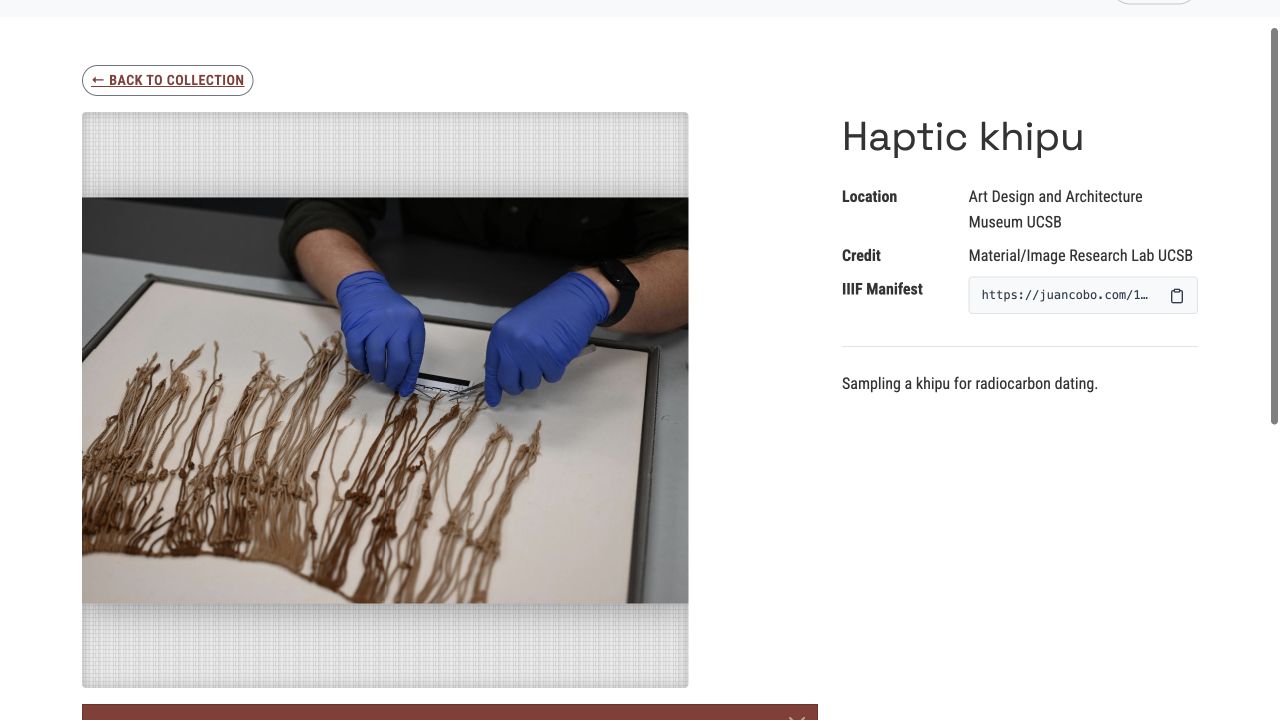
The local build produces a zoomable object page with its catalogue information and manifest link.
Connect a story and its steps
Add a story to project.csv:
order,story_id,title
1,khipu-story,Examining a khipu
Create khipu-story.csv in the same folder. Its filename matches the story ID:
step,object,x,y,zoom,question,answer
1,khipu,0.5,0.5,1,Which activity is shown?,The photograph documents sampling for radiocarbon dating.
Use the object page’s coordinate tool to refine the starting view. A new row can return to the same object at another view. Keep steps numbered in order.
Add panels and glossary links
Use layer1_content and layer2_content for inline panel text or a Markdown file path relative to the stories text folder. Use the matching button columns to describe what opens.
Glossary definitions can live in glossary.csv; link them as [[term-id]]. Read story columns and glossary columns before adding more complex content.