Rebuild and inspect the local site
The local helper prepares content before it starts Jekyll. Jekyll’s file watcher alone does not rerun every preprocessing step.
Rebuild after content changes
Stop the running server with Ctrl+C, then run:
python3 scripts/build_local_site.py
After changing CSV files, the conversion and collection-generation steps must run again. After adding or replacing an image or PDF, regenerate its IIIF tiles. The helper handles these stages.
If images and the Google Sheet have not changed, use:
python3 scripts/build_local_site.py --skip-iiif --skip-fetch
Do not skip a stage whose inputs changed. For Markdown or styling work, Jekyll can update some output while serving, but use the helper again when checking the complete result.
Check the actual source in each step
Open the objects gallery, the object page and the story. For the khipu example, all three should show the khipu. Check the framing, alt text, credits, panels and glossary links.
Test with a smaller browser window and keyboard navigation. Use the reader-review guide to check the narrative as well as the build.
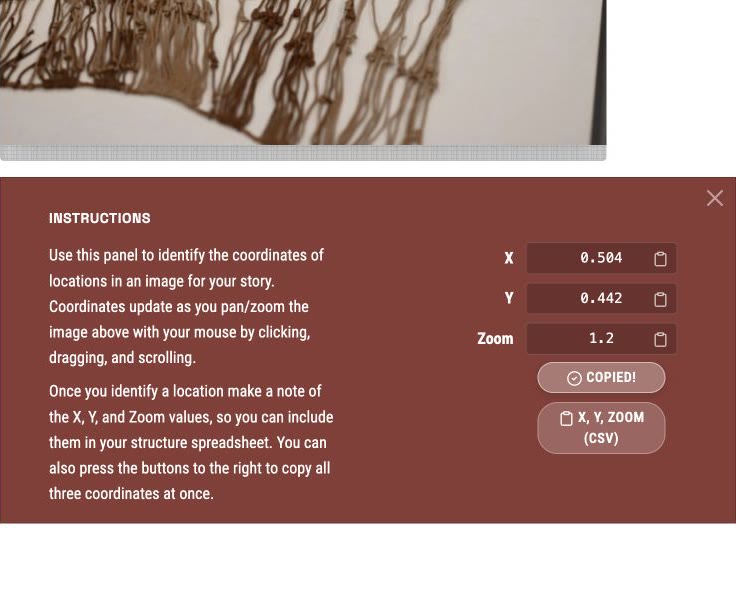
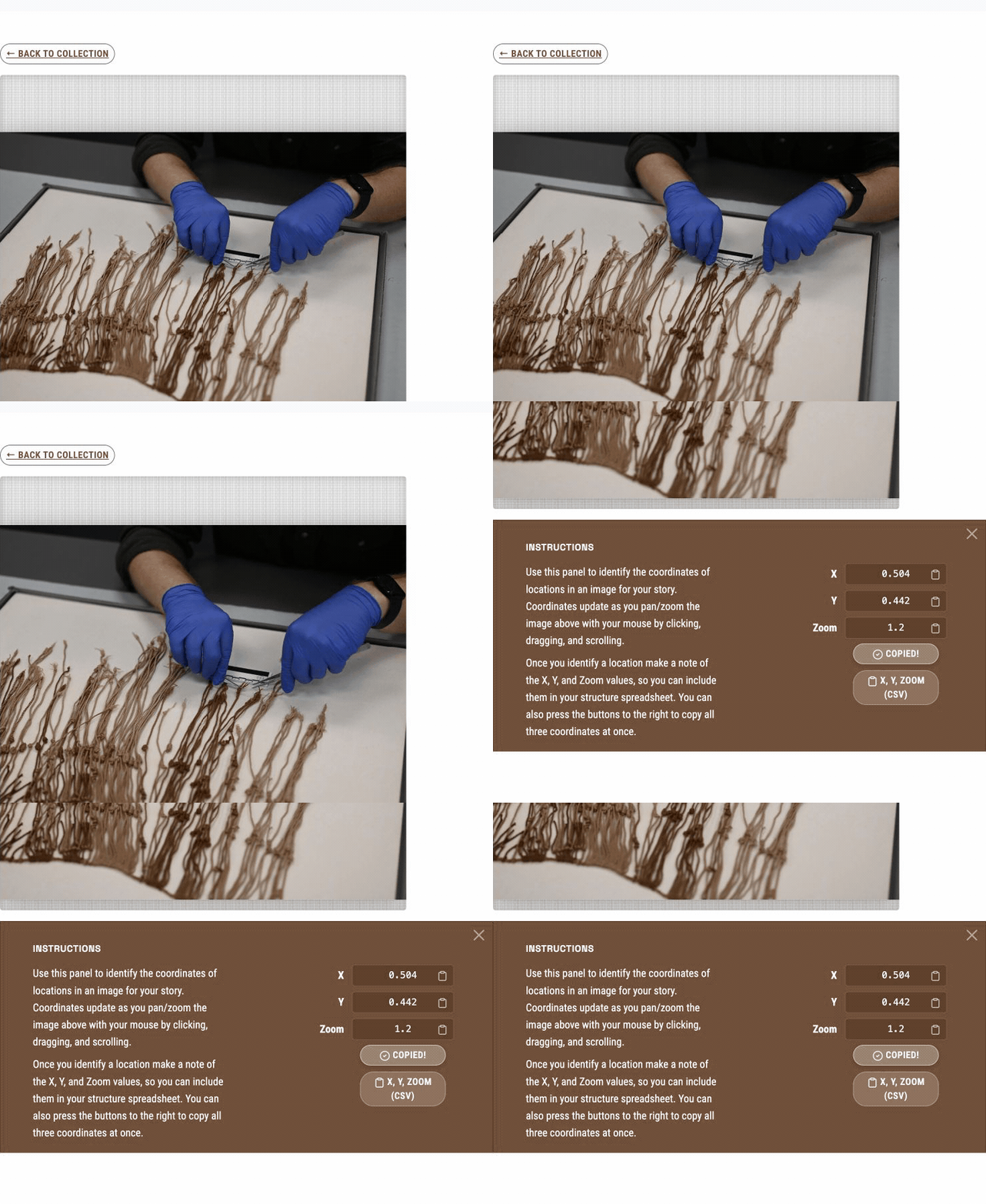
Frame the khipu, scroll to the coordinate panel and copy the values for Sheets or CSV. This is a local example built with Telar.
Test private stories separately
The development server shows private-story content in plaintext. It continually regenerates pages, so its output does not stay encrypted.
To test the locked behaviour, stop Jekyll. Temporarily set baseurl: "" in your configuration so the static server can serve the output at its root, then run:
python3 scripts/build_local_site.py --port 4003 --build-only
python3 -m http.server 4003 --directory _site
Restore your production base path after this test. This build runs the post-build encryption step. Open the story from the static server and check both locked and unlocked views. Treat the live development preview as local working material.
Read failures at the stage that reports them
A missing image may come from an object ID mismatch, an unreachable source or a tile-generation failure. A missing story may come from a mismatched filename and story ID. The terminal output helps identify which stage failed.
Fix the source and rebuild. Avoid editing generated JSON or HTML to conceal a source problem.