Plan panels and glossary links
Keep the main route readable, then offer further context where readers may want it. Panels belong to a particular step; glossary entries explain terms that can recur across the exhibition.
Write the short answer first
Answer the step’s question in a sentence or two. Keep the observation and the inference distinct: what does the source show, and what do you argue it means?
Read the questions and answers without opening anything else. If an essential explanation is missing, bring it into this main route before adding optional detail.
Give each panel a purpose
A first panel might explain the source’s making, introduce a comparison or show the evidence behind an interpretation. A second panel opens from the first and can develop that discussion further.
In the planner, draw the first branch from its question and the second branch from the first panel. This represents how readers encounter them: step → first panel → second panel.
Choose a button label that tells visitors what they will find. “How the sample was taken” is more informative than repeating “More” everywhere. A panel need not contain every piece of research you collected.
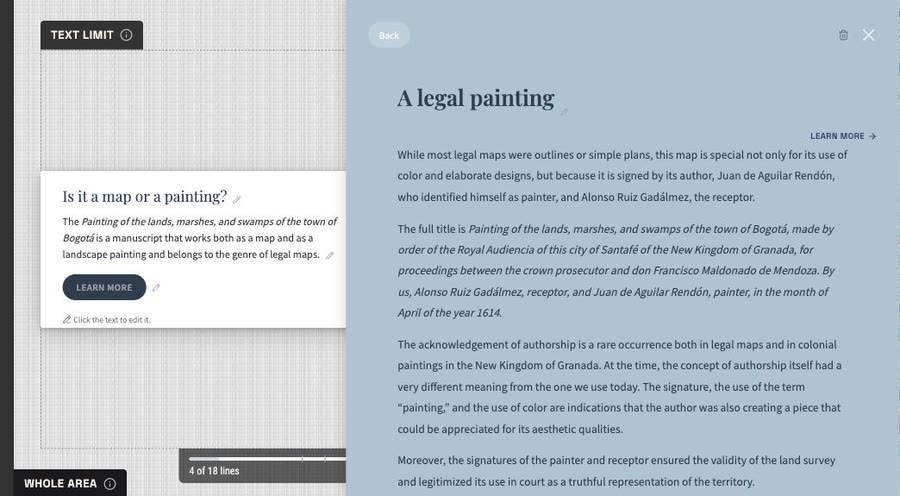
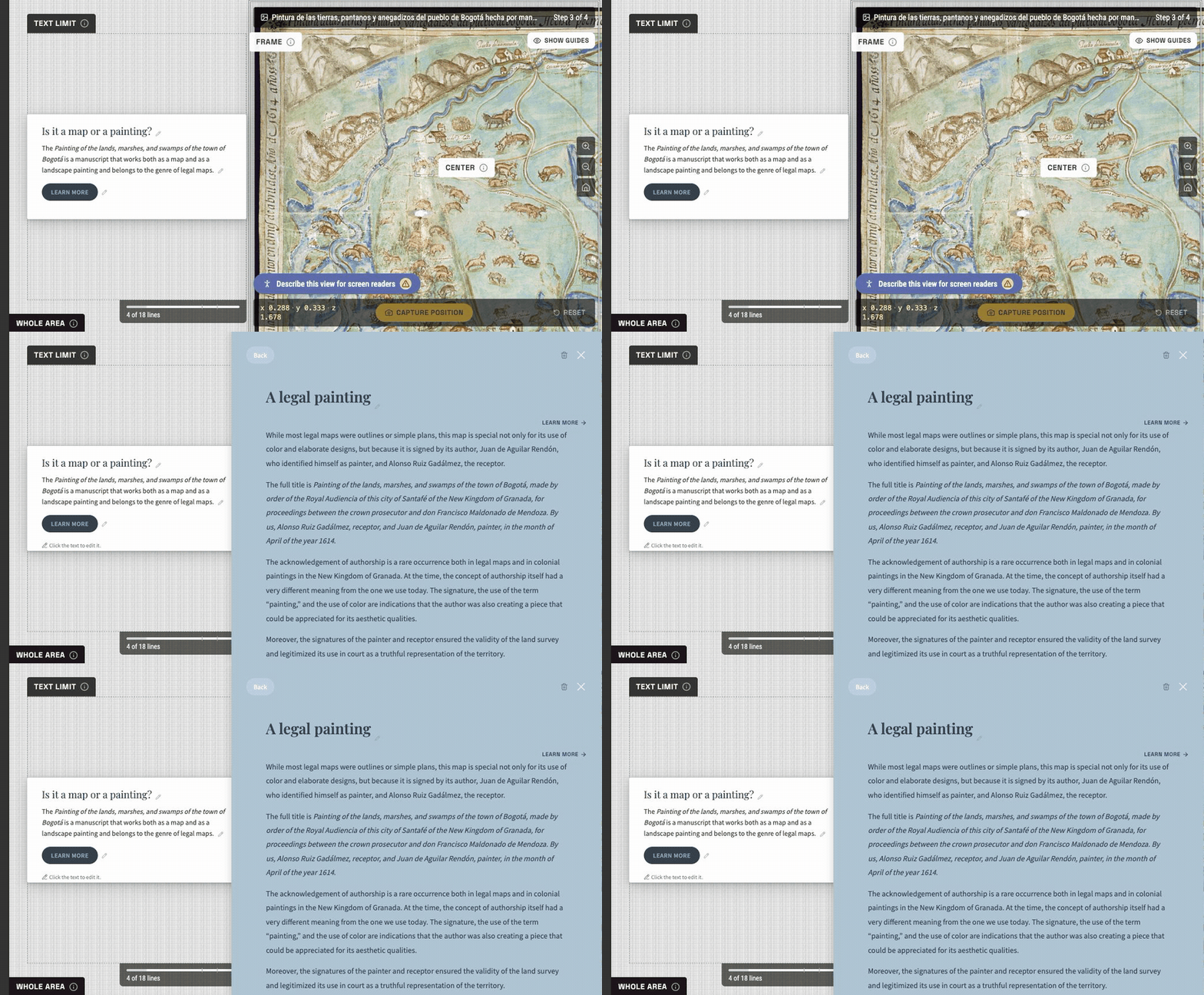
Open the step's panel to develop its context. This example uses the existing map-and-painting story.
Use the glossary for recurring context
Define a term when its explanation will help more than one passage. Keep the definition understandable on its own; link related entries where useful.
For example, a story about a khipu may need a short explanation of the term and a panel about the particular activity shown in one photograph. These serve different purposes.
The link syntax is [[term-id]], or [[term-id|visible text]] when the sentence needs different wording. The Compositor also provides an insertion control.
Review optional routes
Open each panel and glossary link in the order a reader would encounter them. Check that the title, button and first paragraph agree. Make it clear which source supports a claim and where a comparison comes from.
Your result: short answers, purposeful panel outlines and a list of shared terms. Next, arrange the exhibition as a whole.